Caps Lock as a Keyboard Shortcut
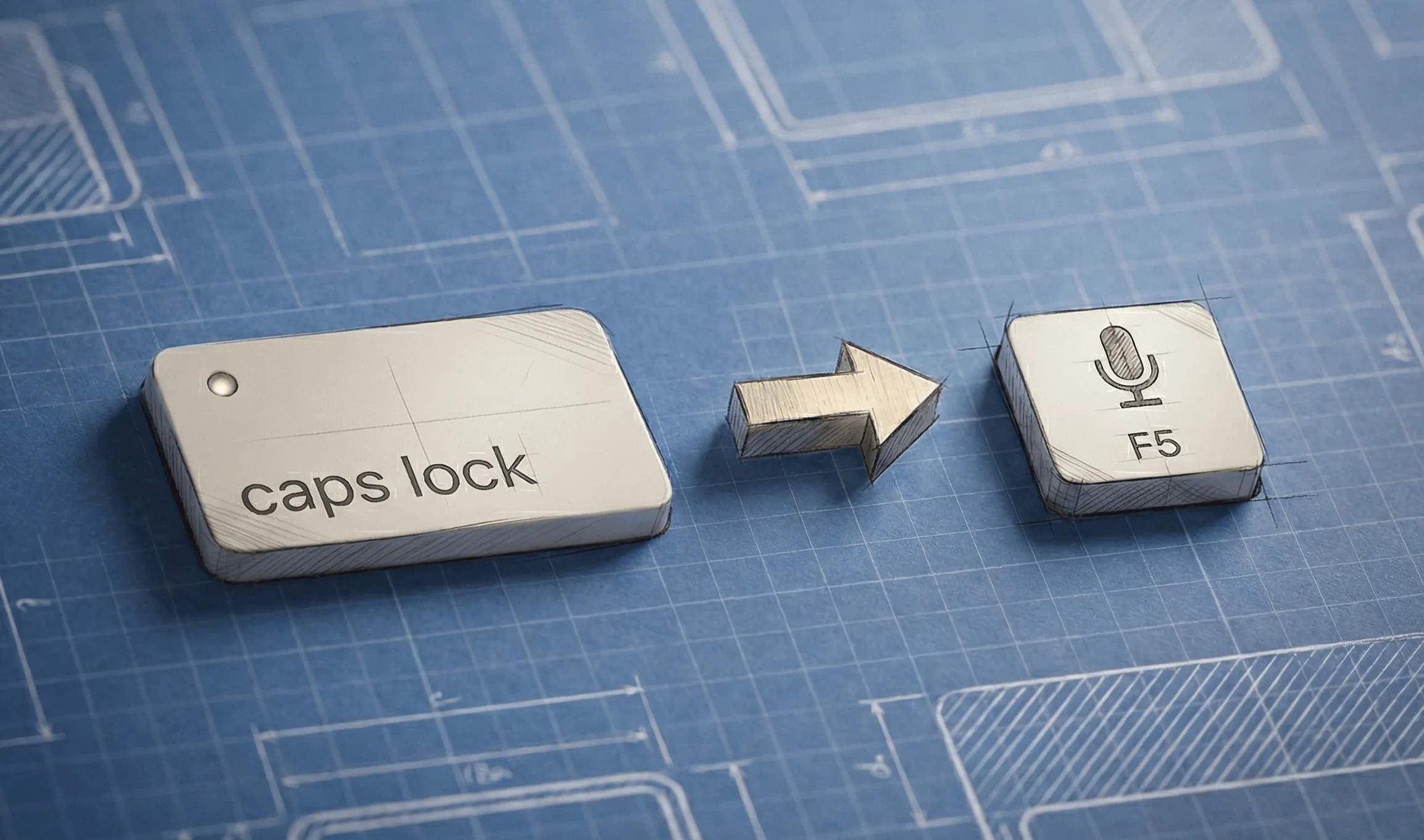
I finally found a simple way to make Caps Lock my keyboard shortcut to toggle dictation in any third party voice transcription app.
TLDR:
- Remap caps lock to F5 (or a rare key you don’t use)
- Add a .plist file to your Library folder so this key remapping will be reloaded on reboot
- Make F5 the keyboard shortcut in any 3P apps
Problem #1: Usually can’t assign caps lock as a shortcut key Most third party dictation apps don’t seem to support Caps Lock as a shortcut key to toggle dictation. I don’t know why. Claude Desktop has a feature that does, but others I’ve tried like SuperWhisper, VoiceInk, BetterDictation, didn’t support it.
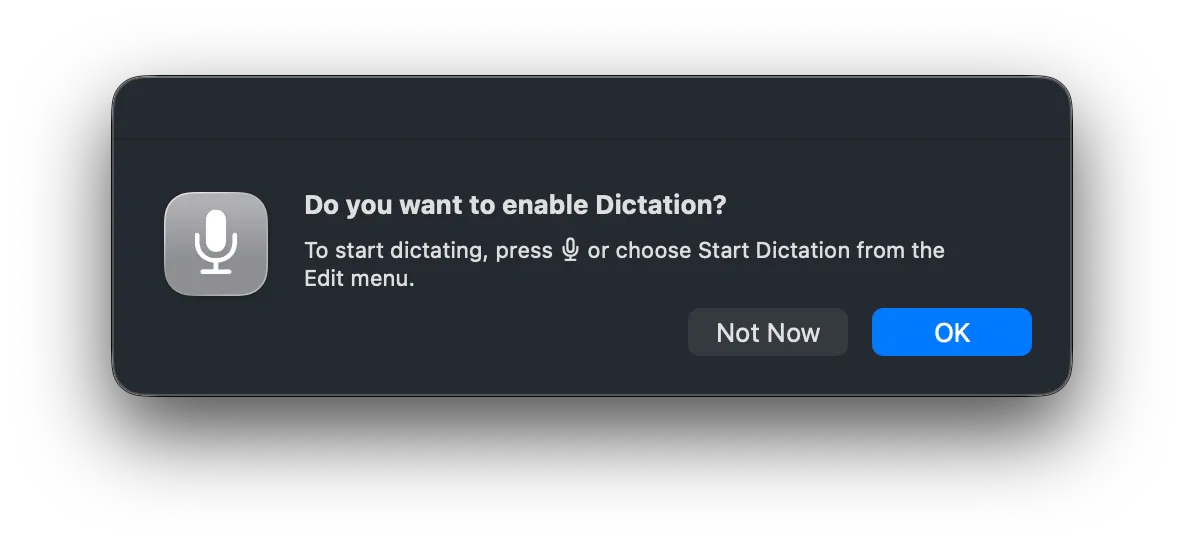
Problem #2: The dictation shortcut key on mac is reserved for Apple’s native dictation, and cannot be repurposed for third party apps. At least, whenever I try, I get this:
Problem #3: There are established solutions to remapping keyboard shortcuts, like open source Karabiner-Elements. But these are pretty big (15MB), always need to be running, and require sensitive permissions to listen to every keypress. While Karabiner-Elements is open source and from what I read, it’s a credible, reliable and low risk project.
This seemed like way too big a system to be installing for what is essentially a small quality of life win in playing with voice interaction with AI.
That said, I really just felt like there should just be a basic shell command to set a config somewhere so I can takeover the Caps Lock key.
And well, there basically is…
The solution in three simple bash commands
MacOS natively supports key remapping natively with hidutil which doesn’t require any special privileges and is the simple solution I had been looking for.
The major tradeoffs are in its simplicity (1) it can only remap a single key to another single key, not combinations of keys like in a keyboard shortcuts and (2) key remappings are lost when the system restarts or the keyboard is disconnected.
But for my relatively narrow use case, these are fine.
1. Remap Caps Lock as F5
I originally figured I would remap to a single key that isn’t even on my keyboard, but I decided to use F5 instead because a) it’s an actual key I can press to easily set up the shortcuts in any app and b) it’s my little personal victory over the macOS dictation key I’ve always wanted to use.
# Map Caps Lock (0x39) to F5 (0x3E)
hidutil property --set '{"UserKeyMapping":[{
"HIDKeyboardModifierMappingSrc":0x700000039,
"HIDKeyboardModifierMappingDst":0x70000003E
}]}'
That’s it! Now pressing caps lock triggers a F5 keypress.
However this will not persist after I restart my machine, so let’s fix that.
2. Persist this remapping through reboots
I can persist this across reboots by saving it as a LaunchAgent, which is also a trivially small amount of code that needs to be saved in a .plist file in ~/Library/LaunchAgents/
mkdir -p ~/Library/LaunchAgents
cat > ~/Library/LaunchAgents/com.local.capslock-remap.plist << 'EOF'
<?xml version="1.0" encoding="UTF-8"?>
<!DOCTYPE plist PUBLIC "-//Apple//DTD PLIST 1.0//EN" "http://www.apple.com/DTDs/PropertyList-1.0.dtd">
<plist version="1.0">
<dict>
    <key>Label</key>
    <string>com.local.capslock-remap</string>
    <key>ProgramArguments</key>
    <array>
        <string>/usr/bin/hidutil</string>
        <string>property</string>
        <string>--set</string>
        <string>{"UserKeyMapping":[{"HIDKeyboardModifierMappingSrc":0x700000039,"HIDKeyboardModifierMappingDst":0x70000003E}]}</string>
    </array>
    <key>RunAtLoad</key>
    <true/>
</dict>
</plist>
EOF
The load the LaunchAgent:
launchctl bootstrap gui/$(id -u) ~/Library/LaunchAgents/com.local.capslock-remap.plistNow Caps Lock will remain remapped to F5 every time I startup my machine.
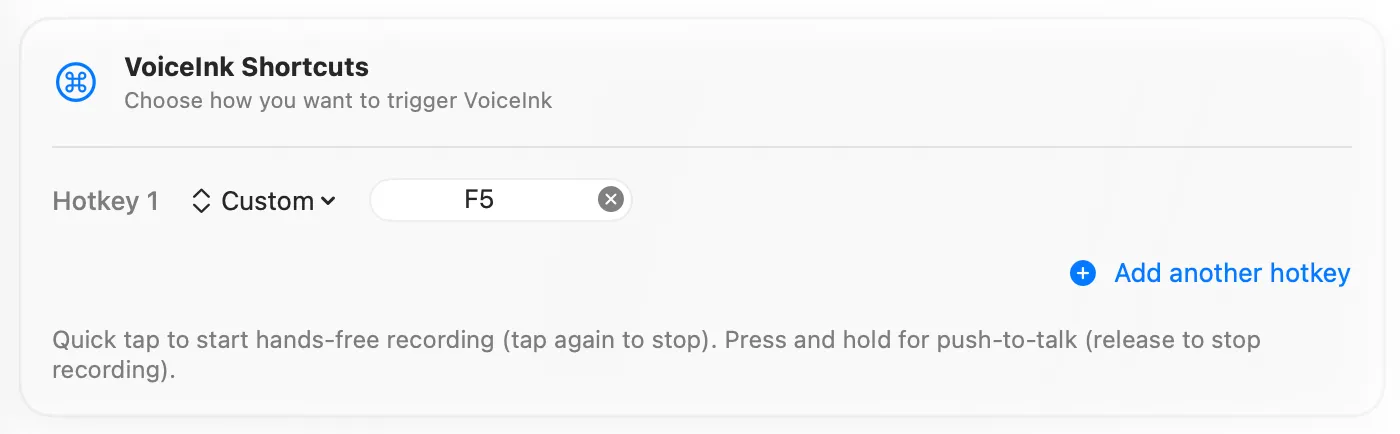
3. Set F5 as the keyboard shortcut in any app
And voila, now I enter F5 in any app to set Caps Lock as my keyboard shortcut!
4. Future Enhancement: Caps Lock light
I had been assuming the Caps Lock light would stay on, and I’d have this neat little recording light on my keyboard. But approximately 2 seconds after my first test of this prototype I realized this fun little idea was not to be. Of course, the caps lock light stays off when I press it now because we’re actually pressing F5 now, not Caps Lock. And because hidutil only supports 1:1 key mapping, we can’t have that one keypress trigger both keys at the same time.
From some brief research, this is fixable with some more code but I’m punting that for now. Before we “fix this” I want to see what problems actually arrive in my experience if that light never comes on. Even for caps lock, I’m not sure why we need a hardware indicator given we show you a software indicator when needed (e.g. entering text in password fields). To be continued…